HWID Grabber
This will be going over how to use our HWID grabber
Download
First head on over to your settings page in your account dashboard Account Settings

Now click the 'Hardware IDs' tab, once on the tab click the 'Download HWID Grabber'

Usage
Once downloaded, simply double click the 'hwid.exe' and it will copy your HWID to your clipboard.
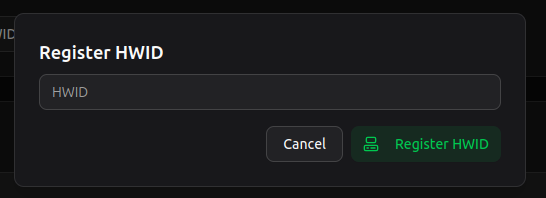
Registering
You can now register your HWID on our site

Errors
If you run into any errors that envolve 'VCRUNTIME', Please make sure you have the VC utils installed, VC Utils
If you run into any other errors please contact us via our support page on your account dashboard.